V5iD Identity Verification
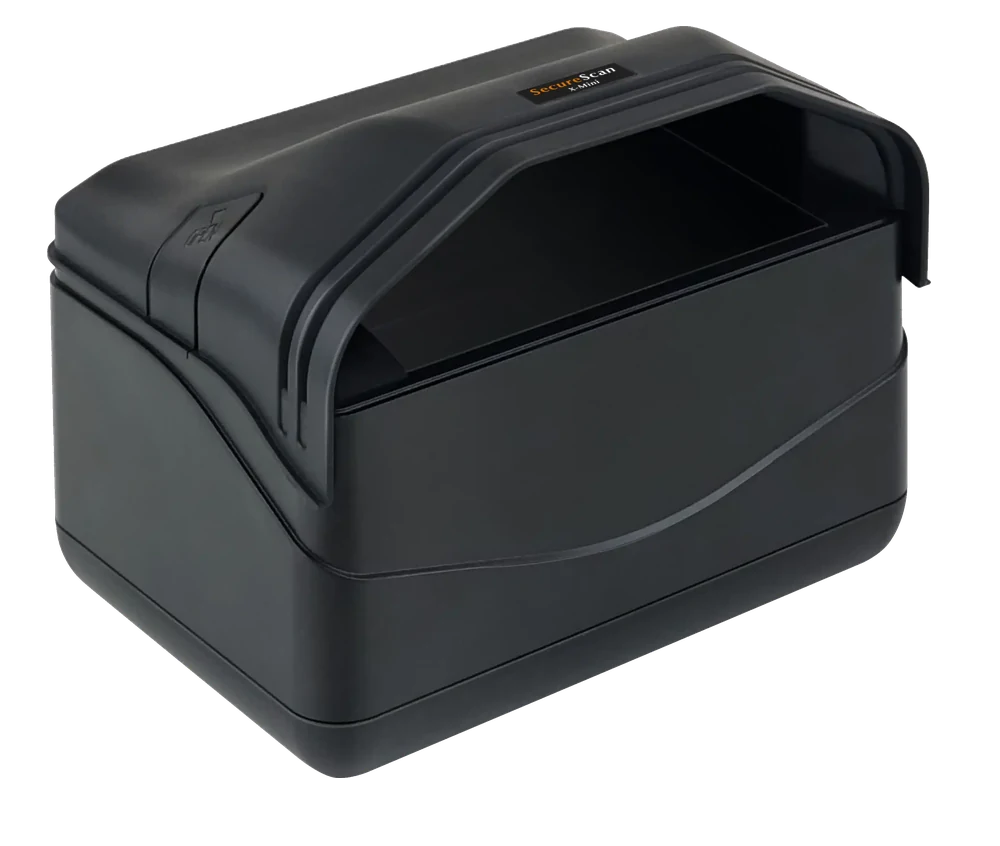
Plustek > SecureScan X-Mini
Rotate Camera
Camera not selected.
Loading, please wait...
Insert the Calibration Card or any ID document into the ID scanner and press the
'Continue' button below to activate auto-scan.
Scan the FRONT side
Face ID Card
Back ID Card
Webcam is loading, please wait...
Camera failed to load
Verification ID:
Scan Unsuccessful
We couldn’t read your document clearly. Please remove your document and place it
back on the scanner as shown below.
Place the document in the top-left corner of the scanner, flat and aligned.